
Why Your Emails Go to Spam (and the Infrastructure Fixes That Solve It)
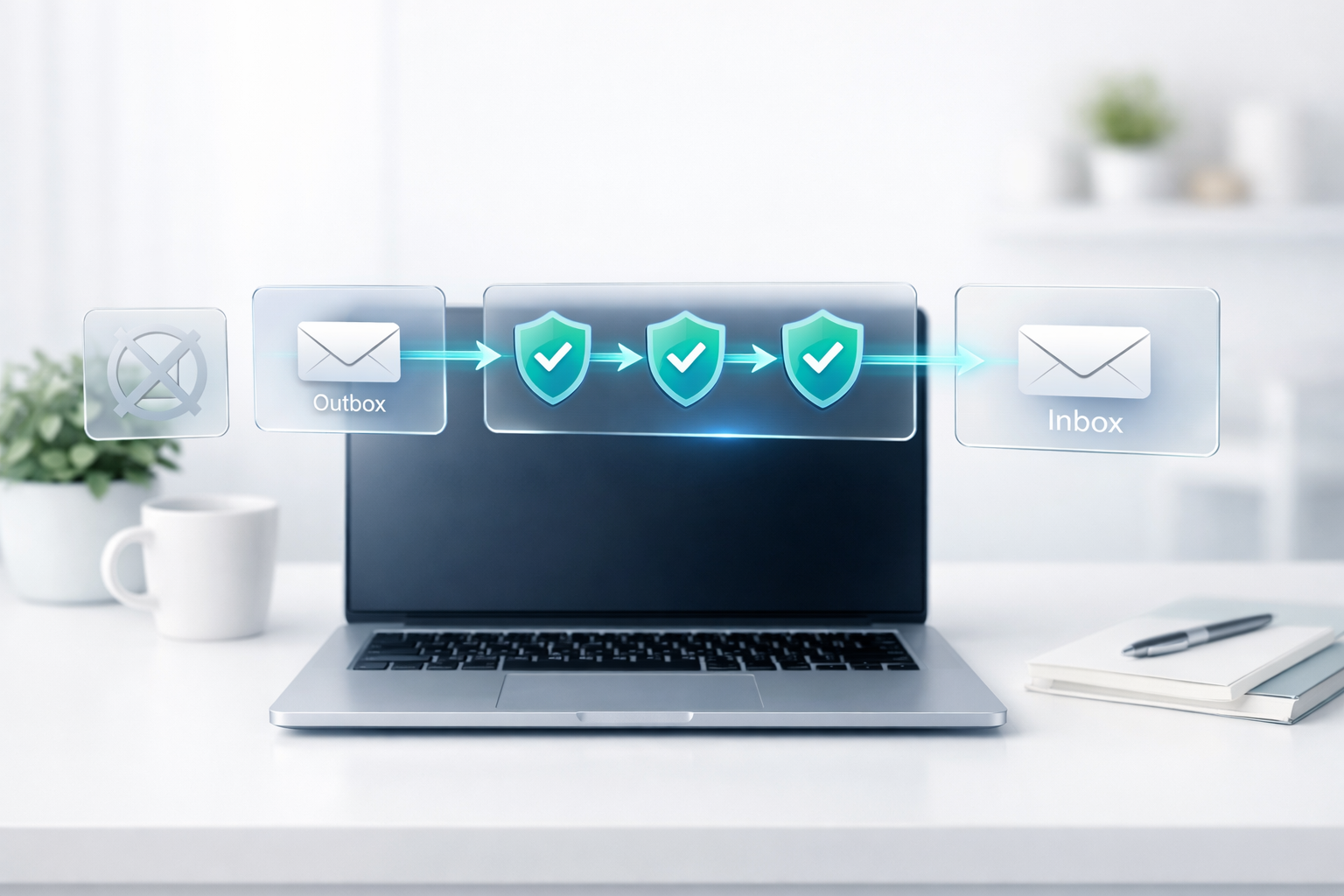
Why Your Emails Go to Spam (and the Infrastructure Fixes That Solve It)
If your emails land in spam, it can feel random and frustrating.
But in most cases, it isn’t random. It’s about trust.
Email providers like Gmail, Outlook, and Yahoo make quick decisions about whether your message looks safe. If your domain and sending setup don’t look trustworthy, your emails get filtered — even if your message is genuine.
This post explains the most common reasons deliverability drops and the infrastructure fixes that usually solve it.
If you want Empex to check and improve your setup, this is the service:
Email Infrastructure
First: what email providers are trying to do
Email providers are protecting people from spam, scams, and low-quality bulk mail.
So they look at:
- whether your domain is verified properly
- whether you have a good sending reputation
- whether recipients engage with your emails
- whether your content looks suspicious or inconsistent
The goal is not “make email harder”. The goal is to stop abuse.
If you set things up properly, you can send reliably without fighting filters all the time.
The most common reasons emails go to spam
1) Missing or incorrect SPF, DKIM, and DMARC
These are basic DNS records that tell providers “this sender is legitimate”.
If they’re missing, misconfigured, or not aligned with your sending service, inbox placement becomes unreliable.
You don’t need to memorise the acronyms — just understand the outcome:
they prove the email really came from you.
2) Sending from a new domain without warming up
A brand-new domain has no reputation.
If you suddenly send a lot of emails from it, providers treat it as risky.
A safer approach is to build reputation gradually with consistent, normal sending patterns.
3) Poor list quality (old lists, bought lists, scraped lists)
This is a big one.
If you email people who didn’t ask for it, or the list is old and full of inactive addresses, you’ll get:
- bounces
- spam complaints
- low engagement
All of those hurt reputation fast.
Even one campaign to a bad list can cause weeks of deliverability issues.
4) Content that triggers filters
“Spammy” content is not just obvious scam text.
It can also be:
- heavy use of sales language
- lots of links
- misleading subject lines
- inconsistent branding
- big images with little real text
This doesn’t mean you can’t sell. It means you need to communicate clearly and professionally.
5) Sending infrastructure that doesn’t match your domain
Sometimes businesses send through a service but the domain is not correctly aligned.
The result is a mismatch between:
- the visible “From” address
- the domain that actually sent the email
- the domain used for links and tracking
Providers notice mismatches and reduce trust.
The infrastructure fixes that usually solve deliverability
Fix 1: Set SPF, DKIM, and DMARC correctly (and verify alignment)
This is the foundation.
When implemented correctly, it reduces spoofing risk and increases trust.
Fix 2: Separate “marketing” sending from “business” sending
A practical best practice:
- keep normal business email (invoices, client comms) stable
- send campaigns from a dedicated domain or subdomain when appropriate
This protects your main domain reputation if you run marketing campaigns.
Fix 3: Improve list quality and sending habits
Deliverability improves when your list is clean and your sending is consistent.
A few good habits:
- remove inactive contacts over time
- avoid emailing people who never opted in
- keep volume consistent (avoid sudden spikes)
- focus on useful emails, not constant promotions
Fix 4: Make emails feel legitimate and easy to trust
Small details matter.
A professional email setup includes:
- a real from-name and from-address
- consistent branding and tone
- clear reason why the recipient is receiving the email
- a simple unsubscribe option for marketing messages
Even if you’re not running “newsletter marketing”, clarity and trust still help.
Fix 5: Monitor and adjust
Deliverability is not a one-time setting.
It changes based on reputation, engagement, and consistency.
A good system includes ongoing monitoring so you can spot issues before they become a bigger problem.
What most businesses should do next
If you’re currently struggling with spam placement, don’t start by endlessly changing templates.
Start with the basics:
- verify SPF / DKIM / DMARC
- check domain alignment
- clean the list
- send consistently
- monitor reputation signals
These steps solve most deliverability issues.
Want Empex to fix your email infrastructure?
If you want reliable inbox placement and a sending setup you can trust, we can audit and implement the correct infrastructure for your business.
✅ Book an email deliverability audit: Book now
Or ask a question: Contact us
Comments
No comments yet. Be the first to leave one.